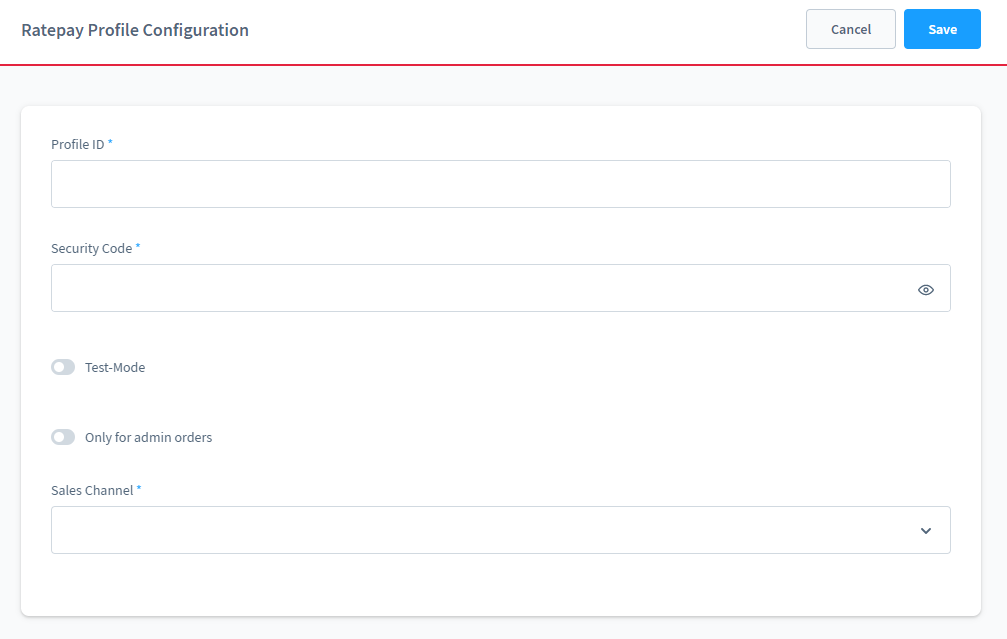
Click Settings > Plugins > Ratepay Profile Configuration
In case you can't find this section in your backend, please rebuild your administration, e.g.:
bin/build-administration.shEnter the API credentials you got from Ratepay and assign them to your corresponding Sales Channel. If you have no individual credentials so far, use our global test credentials:
| Profile ID | Security Code |
|---|---|
INTEGRATION_TE_DACH_OPT | LZuRV3fDp5dIeQ9pxFGN2lgQ85FS9WZi |
INTEGRATION_TE_DACH_OPT_0RT | Bsz8cKW5NqiGedRFb5h4IGXNOIFQOa0j |
These test credentials are valid for all available countries. Individual credentials normally differ from country to country and from frontend to backend. Backend credentials are required for admin orders.
If you are using test credentials you have to enable the Test-Mode Option.
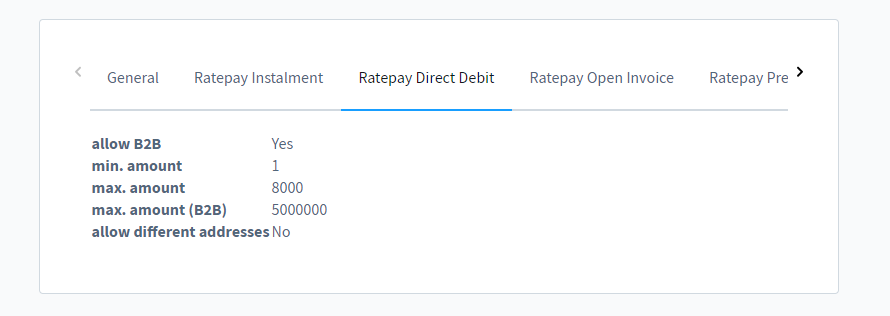
After saving the provided credentials all available Ratepay payment methods for this account are shown like in the image below. Reload the information by pressing the Reload config button. If you changed the credentials before, please Save before reloading the configuration.
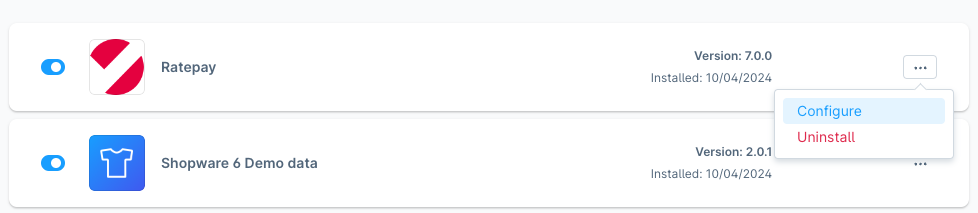
Click Settings > Extensions > My extensions > Ratepay Payment Plugin for Shopware 6 > Configuration
By enabling bi-directionality, Ratepay will get updates if the status of an order changed. It doesn't matter if you do the update manually by using the order detail view in Shopware or if it's send by external systems, such as ERPs and middlewares.
Activate this feature as follows:
- Set Auto-deliver/cancel/refund of order-items based on delivery status to active.
- You also have the possibility to update the payment and/or delivery status on deliver/cancel/refund order-item
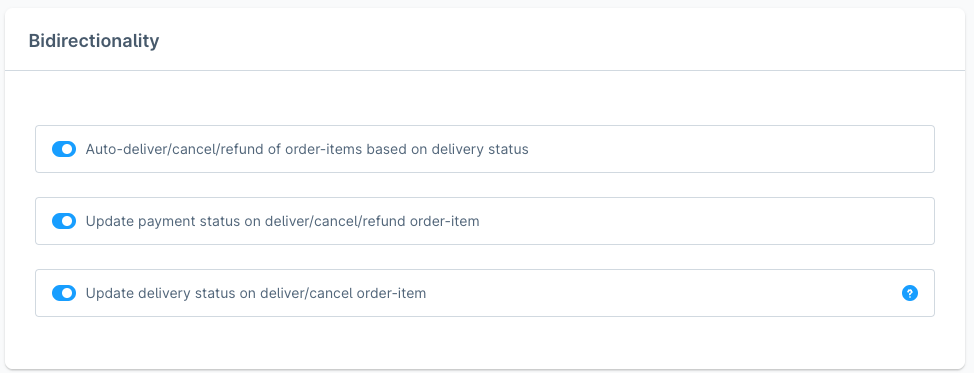
Order changes done in external systems, such as ERP systems, will now automatically sent to Ratepay if the uses the Shopware state machine functionality for deliveries (c.f. Shopware documentation).
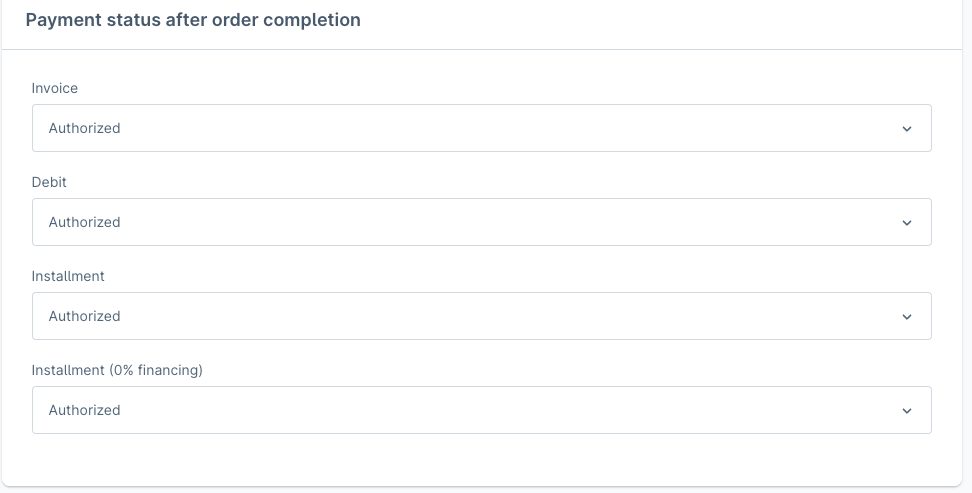
Payment states can be customized for each single payment method. Predefined states will be automatically set to an order after successful checkout.
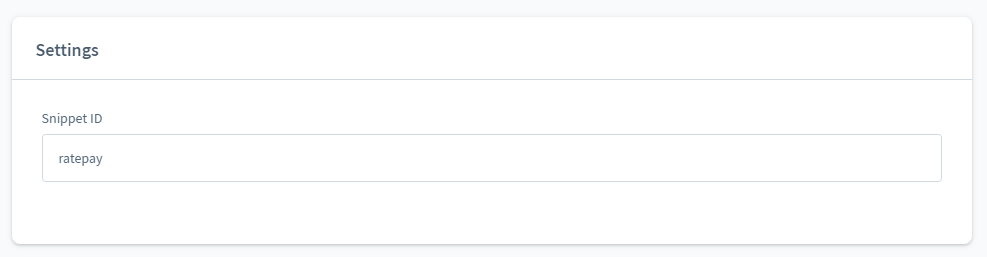
The Snippet ID is an individual key and you get it when registering for the services of Ratepay.
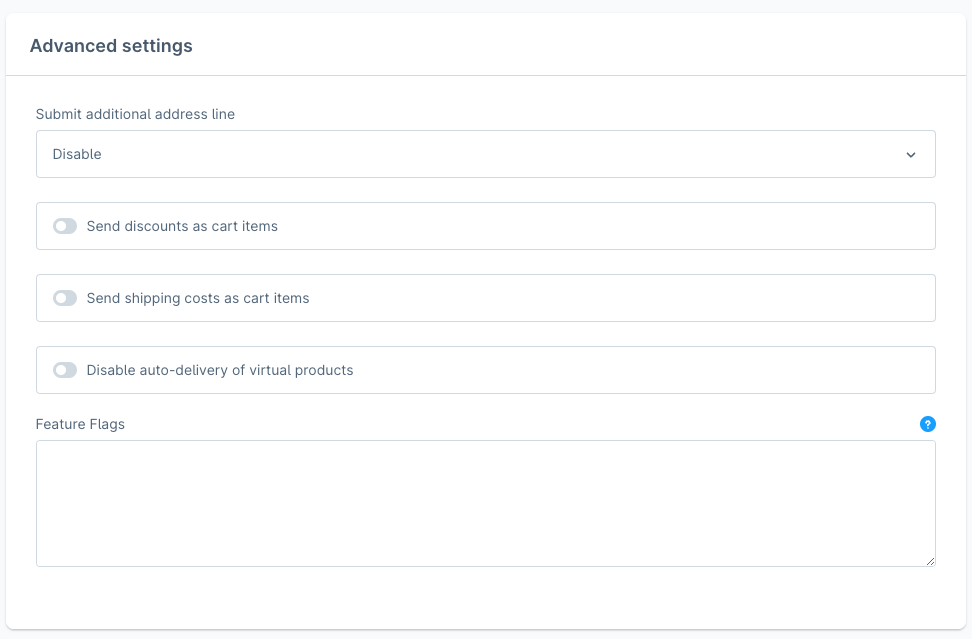
Only applicable if 2 or more street lines are configured. With this option you are able to control which additional address line is submitted to Ratepay as additional address field.
Ratepay's payment gateway can handle shipping costs and discounts in two different ways. Depending on the Ratepay API version you are using in your backend system (like an ERP), you may need to modify that settings.
Default = No
Starting with Ratepay API version 1.8, shipping costs and discounts are submitted in a special <shipping> element or <discount> element.
<shopping-basket> with <shipping>-element

<shopping-basket amount="13.89" currency="EUR">
    <items>
        <item article-number="12345" quantity="1" tax-rate="19" unit-price-gross="9.99">Testproduct</item>
    </items>
    <shipping tax-rate="19" unit-price-gross="5.9">Shipping costs</shipping>
    <discount tax-rate="19" unit-price-gross="-2">Voucher</discount>
</shopping-basket>
Basket item = Yes
For older API versions set this option to Yes. Then shipping costs and discounts will be handled like other line items.
<shopping-basket> with line-items only

<shopping-basket amount="13.89" currency="EUR">
    <items>
        <item article-number="12345" quantity="1" tax-rate="19" unit-price-gross="9.99">Testproduct</item>
        <item article-number="Discount" quantity="1" tax-rate="19" unit-price-gross="-2">Voucher</item>
        <item article-number="Shipping" quantity="1" tax-rate="19" unit-price-gross="5.9">Shipping costs</item>
    </items>
</shopping-basket>
This setting should only be used, if an external system cannot handle the <shipping>-element. Misconfiguration will result into rejected operations.
By default virtual products will be auto captured. Here you have the option to disable that behavior.
Feature Flags are mentioned on our Github documentation and should only be used if advised.
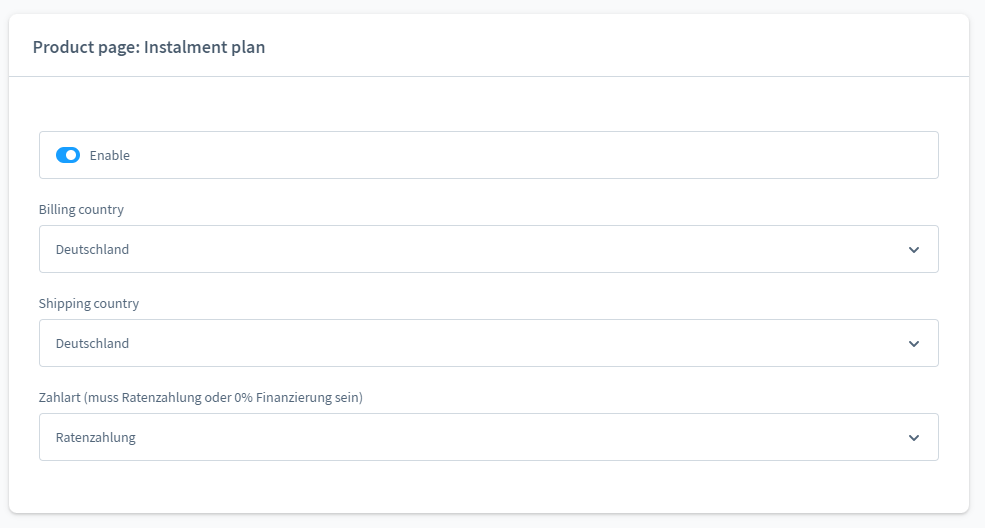
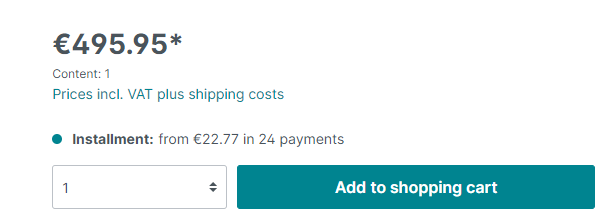
With this option you can add an indication of the estimated instalment amount and runtime for the configured Ratepay instalment or 0% financing product. The calculation is done based on the maximum available runtime and under consideration of the unit article price.