Ratepay will send invoice documents to your customers on behalf of you. In case you like to create and send the invoice documents on your own, please follow our legal instructions.
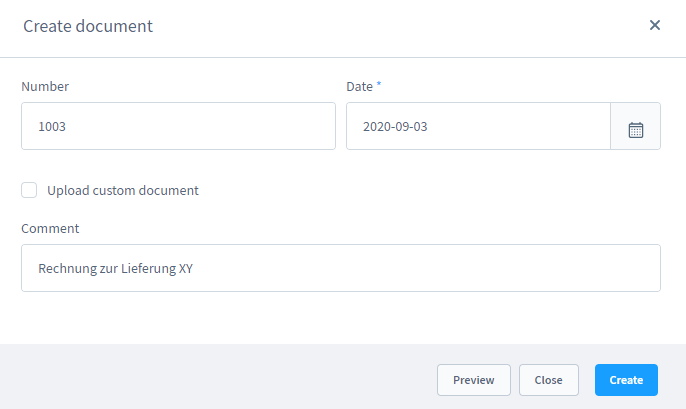
To submit the invoice id you need to create an invoice document in advance of the capture notification.
| Identifier | Table | Column |
|---|---|---|
| Reason for payment / narrative / Verwendungszweck | ratepay_order_data | descriptor |
| Transaction ID | ratepay_order_data | transaction_id |
- Request a Bearer token for your Shopware 6 REST API via
POSTto the URL https://{YOUR_DOMAIN}/api/oauth/token
Payload example:
{
	"client_id": "administration",
	"grant_type": "password",
	"scopes": "write",
	"username": "<user-username>",
	"password": "<user-password>"
}- Insert the Bearer token into your headers and search for your order via
POSTto the URL https://{YOUR_DOMAIN}/api/search/order
Payload example:
{
    "filter": [
        {
            "field": "orderNumber",
            "type": "equals",
            "value": "12345"
        }
    ],
    "associations": {
        "ratepayData": []
    }
}
The response with the Ratepay details, which e. g. contains the descriptor, will look like that:
{
	...
    "included": [
		...
        {
            ...
            "type": "ratepay_order_data",
            "attributes": {
                ...
                "transactionId": "51-20230703235702264",
                "descriptor": "KA0058597N5",
                ...
            },
			...
        },
		...
    ],
	...
}