The Hosted Payment Page is a product intended for merchants who don't want to deal with the trouble of adding an entire new page to their checkout flow in order to offer new payment methods. This way, Ratepay offers this page in a seamless way, such as the merchant just need to take care of doing an API call , and Ratepay takes care of the rest - rendering the page, requesting missing information, processing the transaction and then, calling back the merchant with the outcome of the processing.
To process a transaction, the following APIs must be integrated:
OAuth Authentication API
To request access tokens for the Hosted Payment Page APIs, but also for the Payment API 2.0. This should be included in the Authorization header for further requests.Hosted Payment Page APIs
This includes the following APIs:- 2.1. Session Management API
Initialize a transaction via the Hosted Payment Page API, and redirect the buyer to a checkout, hosted by Ratepay. - 2.2. Session Records API
Get the status of Hosted payment page session - 2.3. Webhooks
In case you want to get events of Hosted Payment Page sessions to your API.
- 2.1. Session Management API
Payment API 2.0
With the Payment API 2.0, you can send follow up operations for Ratepay transactions.

Note: One time passcode is only applicable if included in the contract and therefore do not apply to all merchants using the hosted payment page.
First of all , contact your Ratepay representative.
After doing so, you will be asked for a couple of informations:
- An image of the logo you would like to have displayed on the hosted payment page;
- The link for your T&C page;
- The callback URL in case of success processing a transaction;
- The callback URL in case of failure processing a transaction.
Once the buyer is on the merchant's checkout page and selects Open Invoice or Direct Debit as a payment method, a request needs to be sent to create a session.
Once done so, the API will return an URL to which the customer needs to be redirected - which will be the Hosted Payment Page URL.
After being redirected to the page, the buyer will see a page rendered with the data from the cart, as well as billing and delivery information. This page is rendered by Ratepay.
Below are some examples on how the page would be rendered:
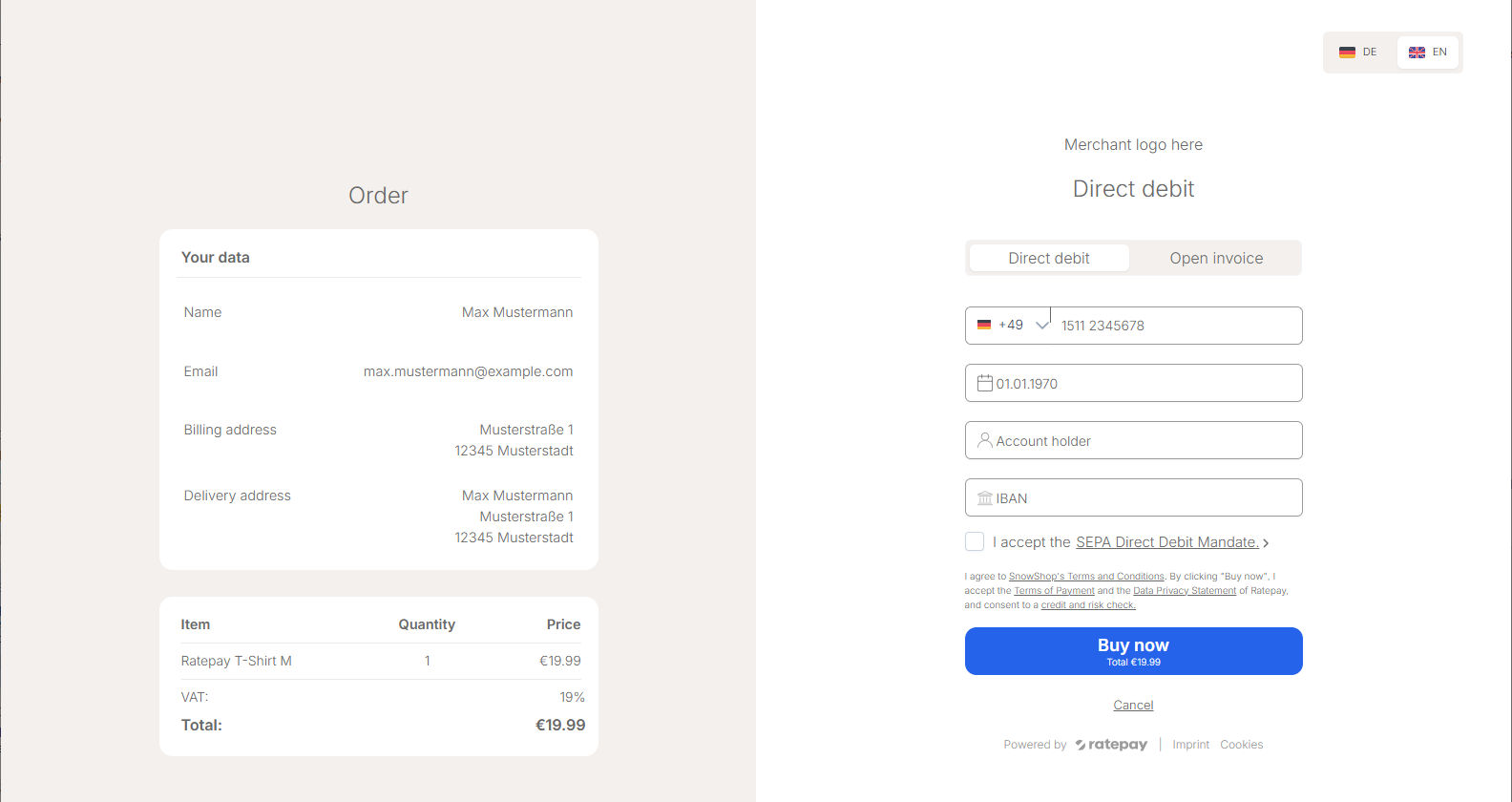
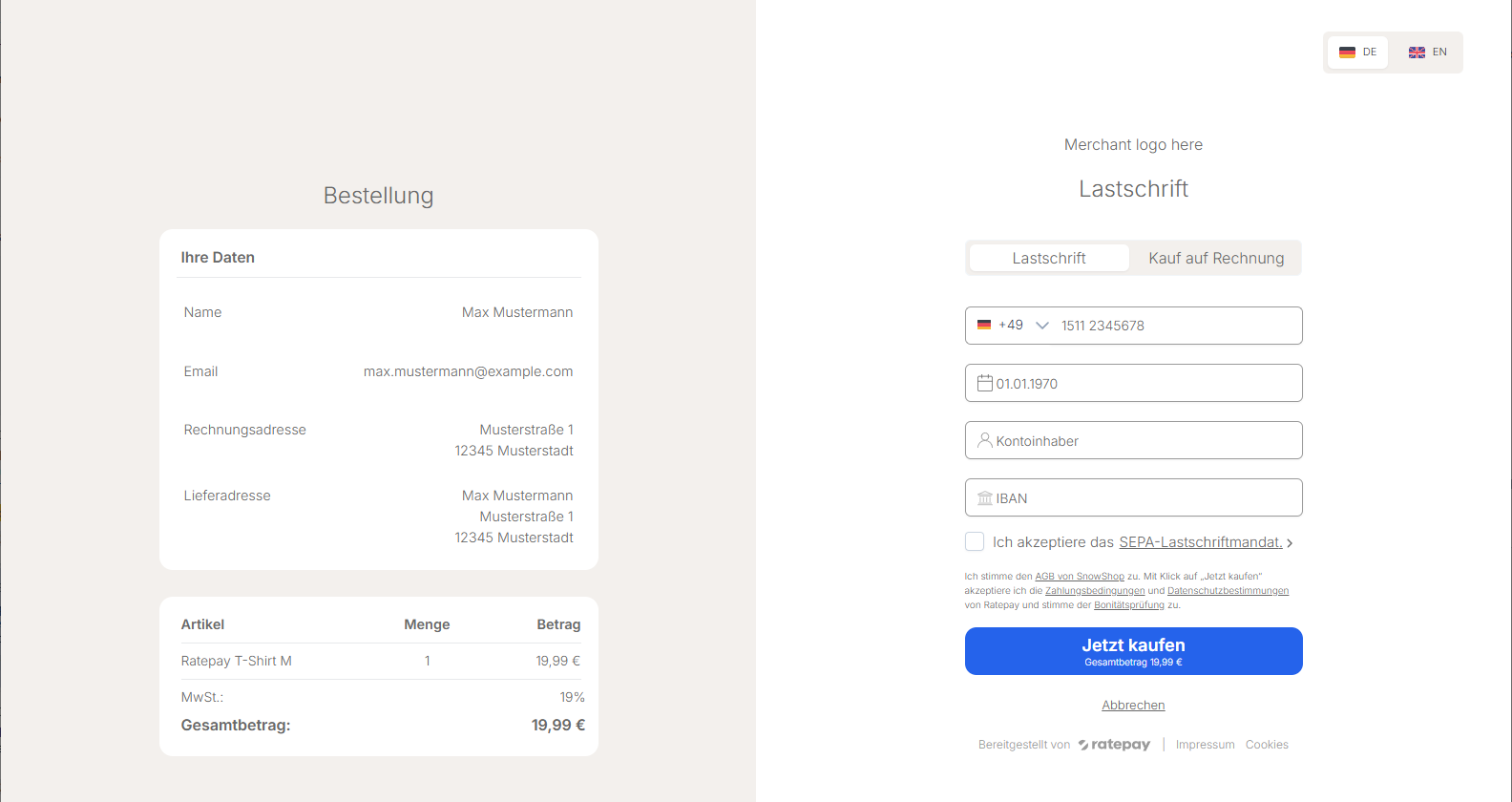
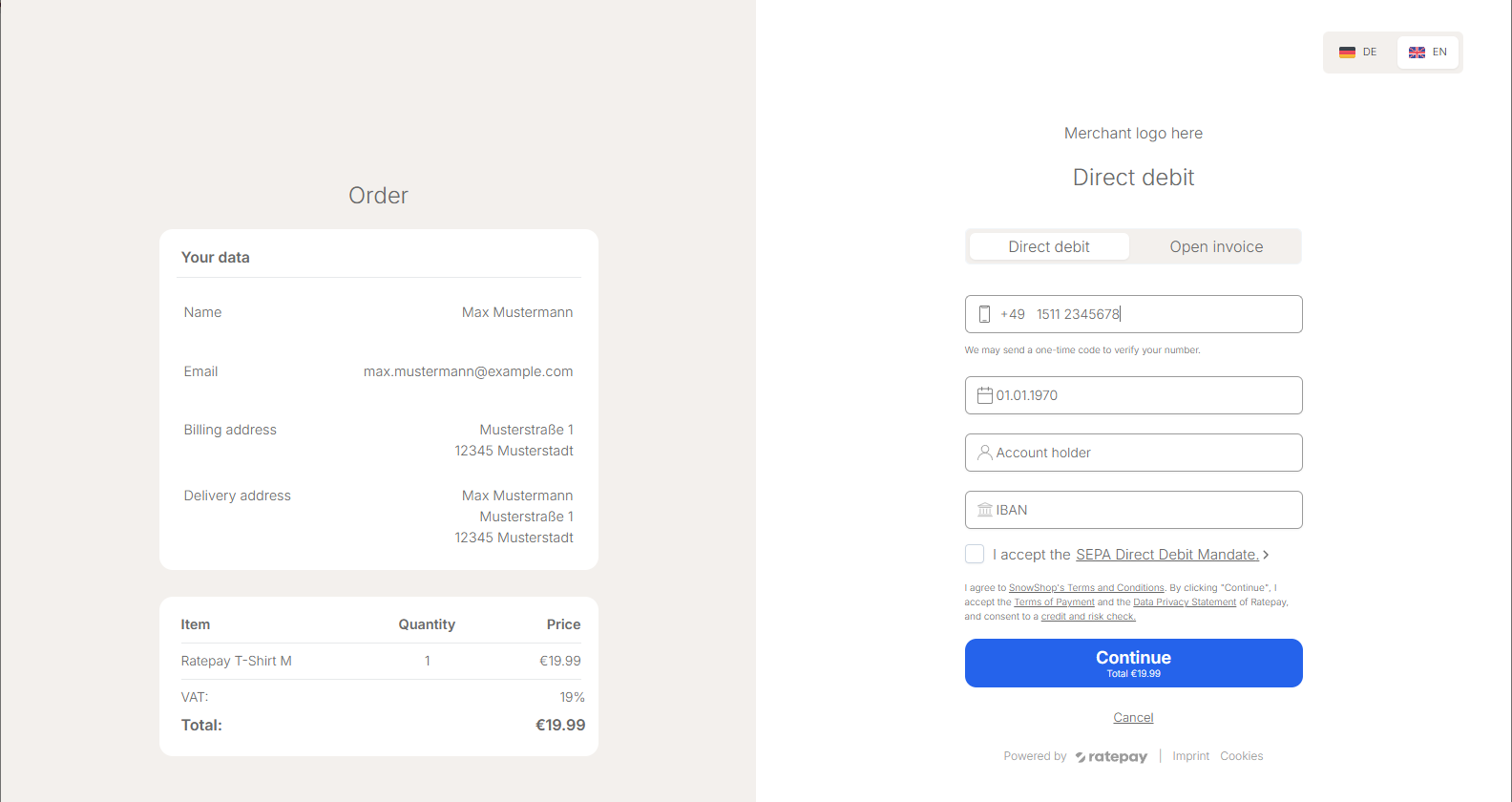
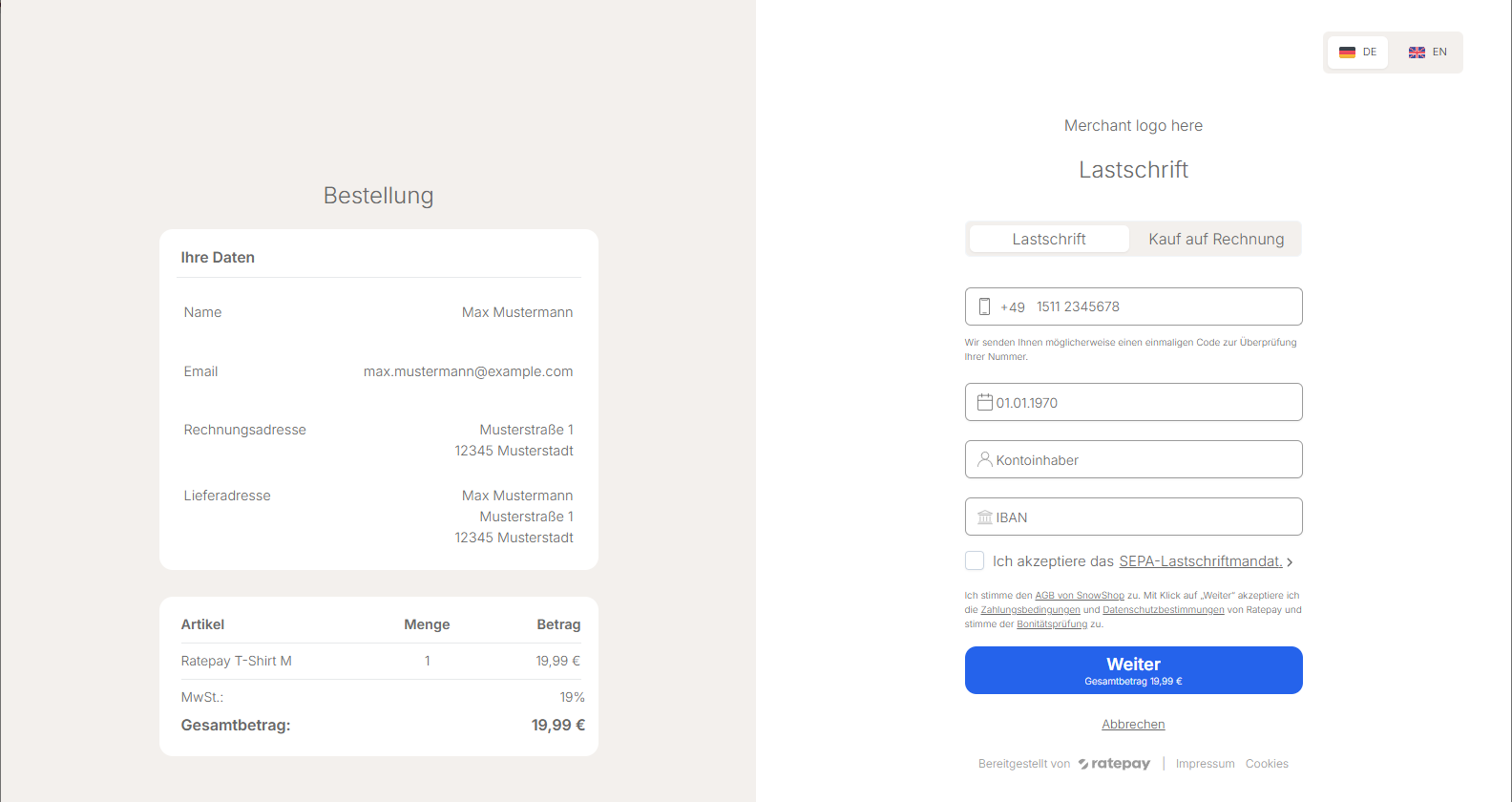
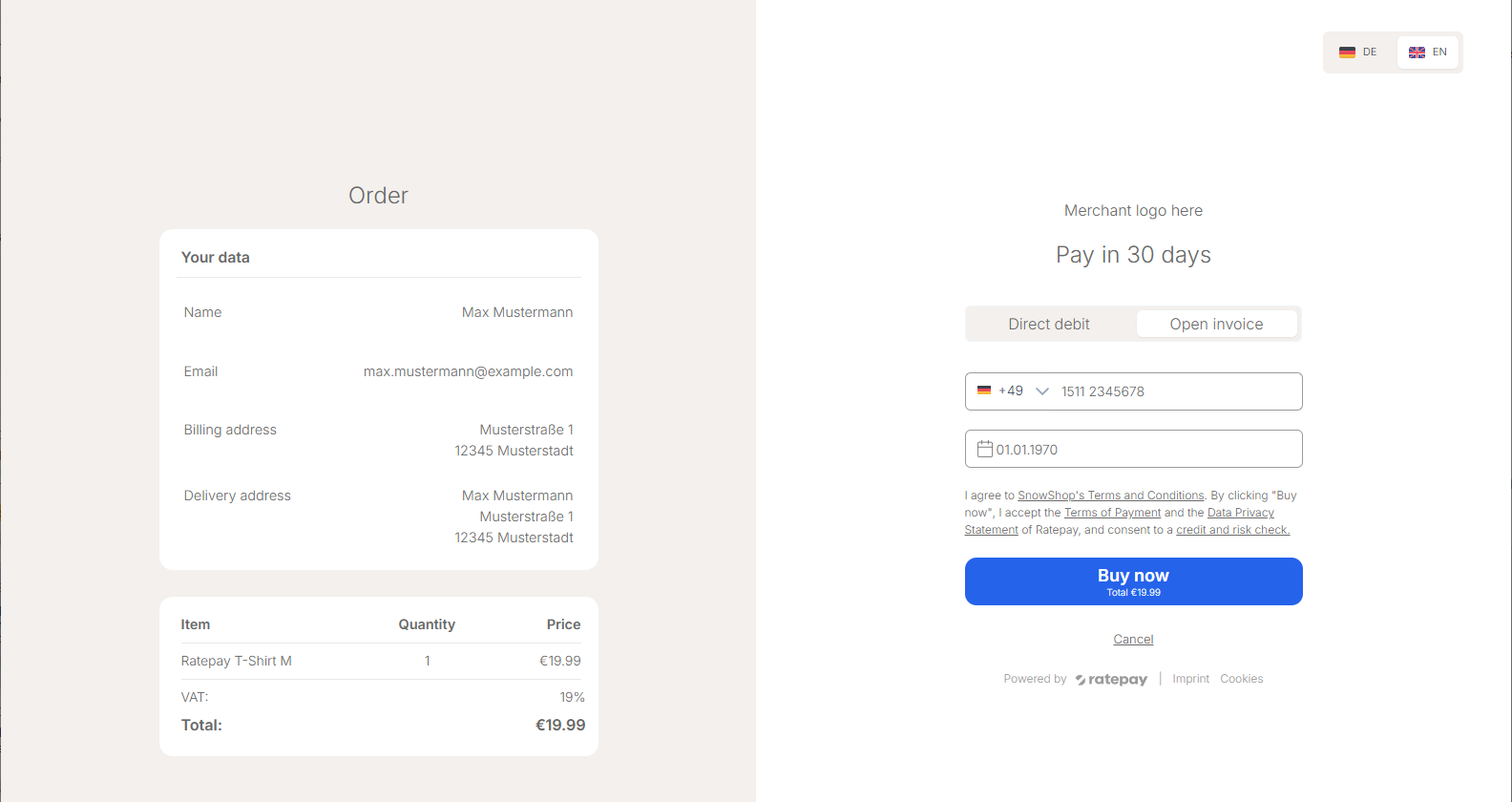
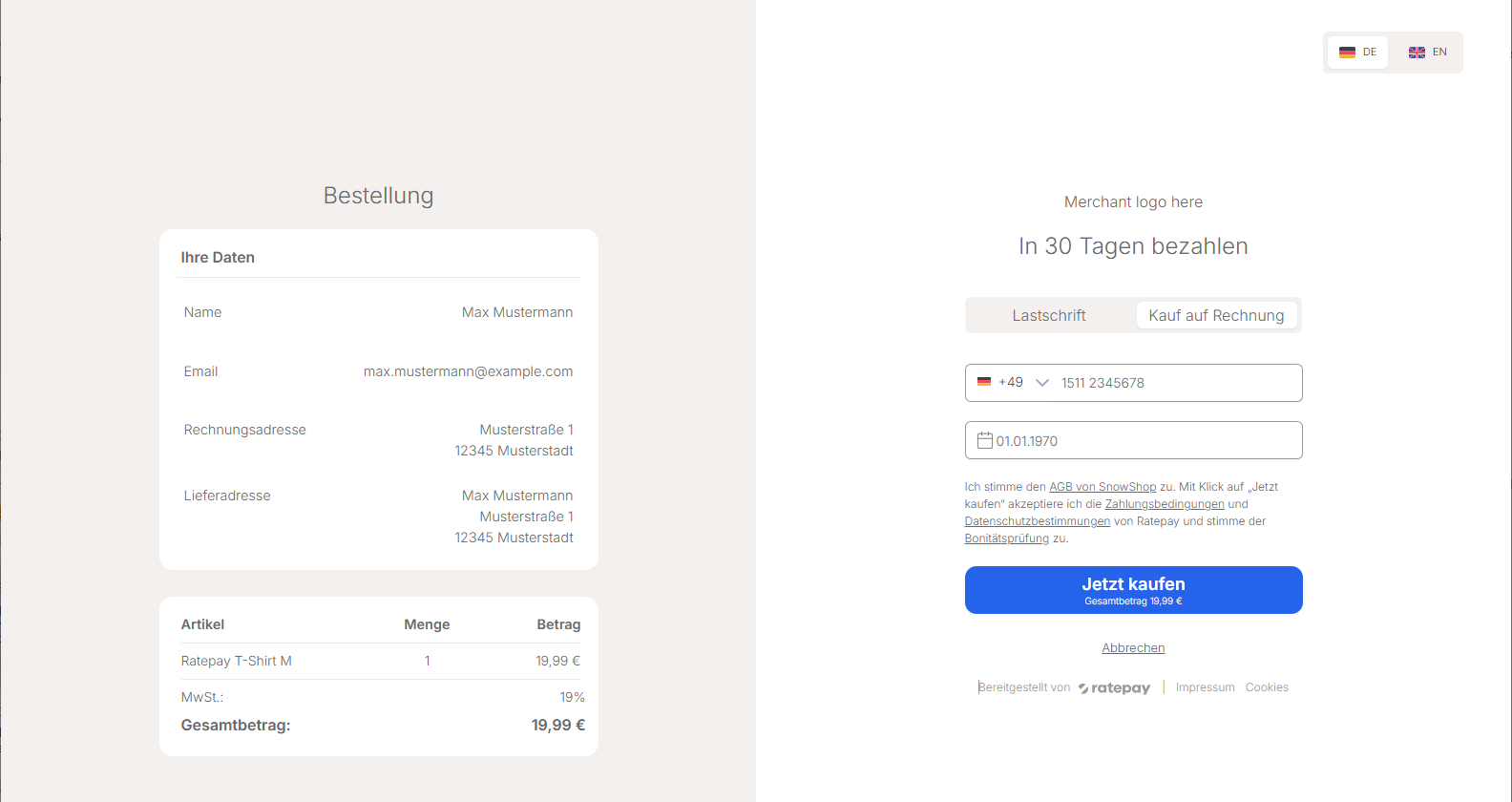
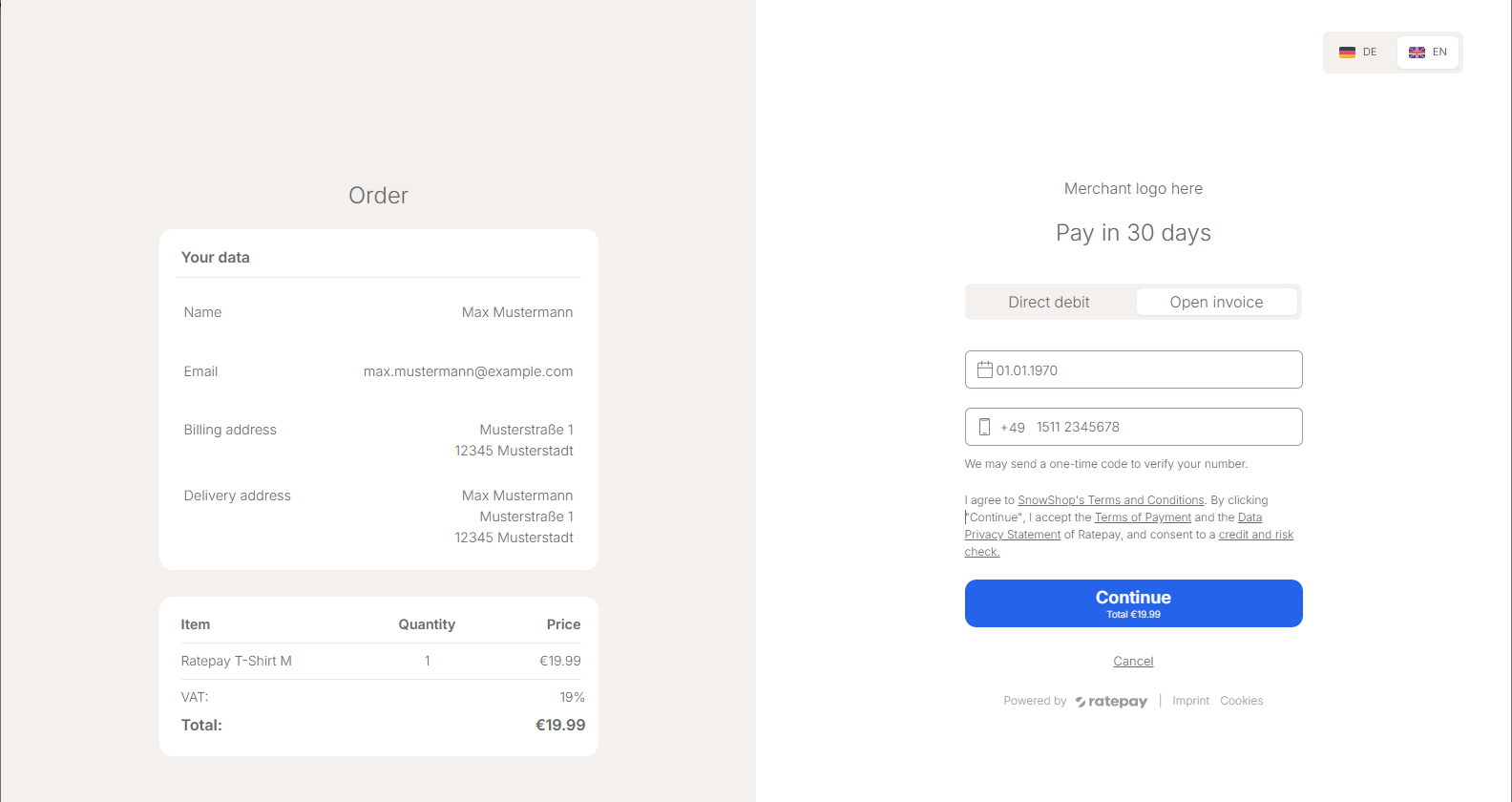
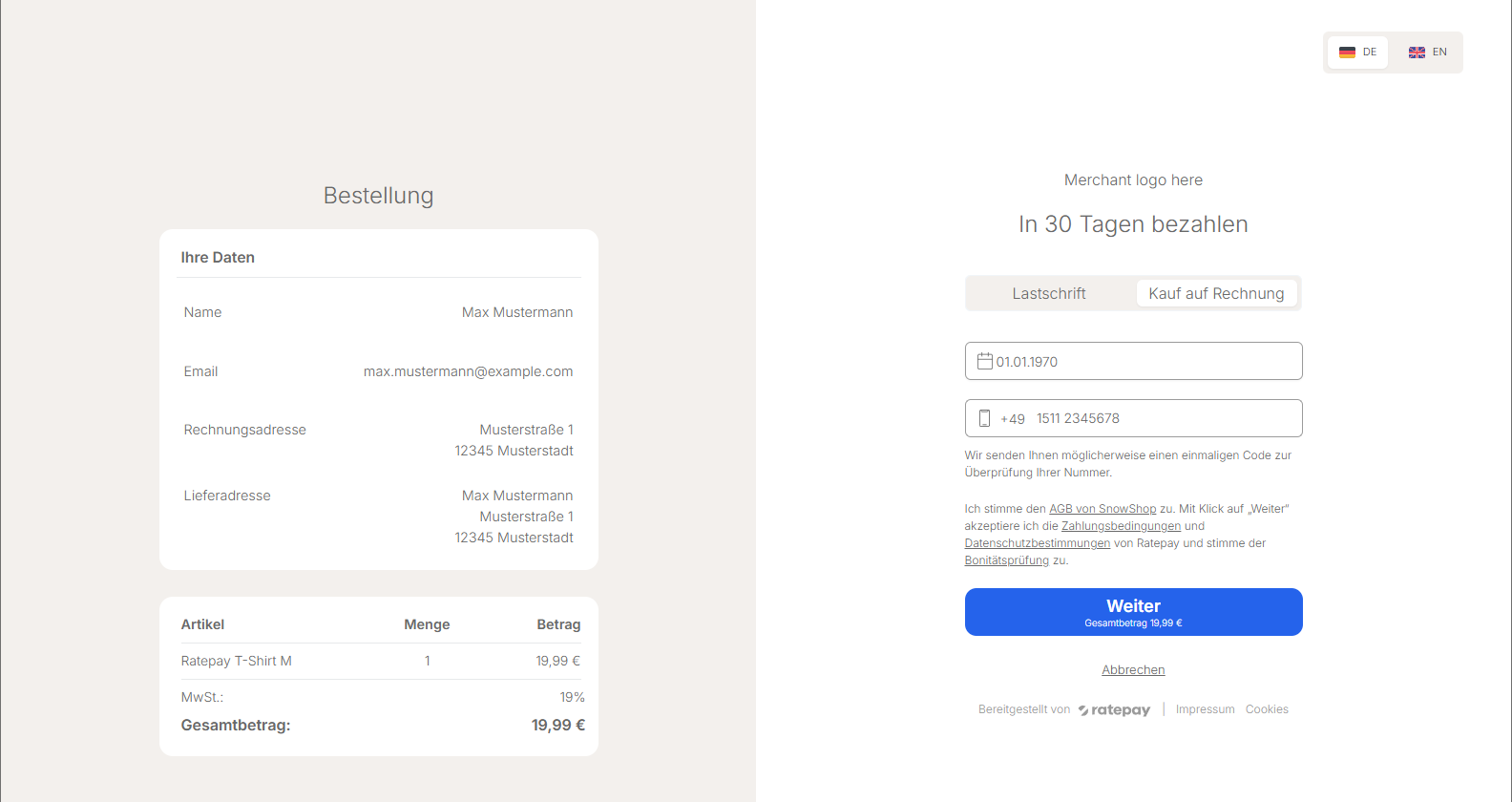
Once the user clicks on the "Continue" button , Ratepay will process the transaction and then, will forward the user browser to either the success URL or the failure URL.
In case of success, it would attach a query parameter named session_id, which can be used to retrieve the data concerning the initiating transaction. Also, it would append a parameter called transaction_id, which can be used to conciliate the transaction in the merchant side to the one on Ratepay side.
In case of failure, it would attach the session_id as well. Depending on the reason of failure (if it's just about data input, such as wrong address), it would append a parameter category and reasons if applicable.
The decline categories that would be appended are the ones listed under possible categories as seen here.
Ratepay is a whitelabel online service provider which allows merchants to provide their customers secure and common payment methods. For you as a merchant, we bear the full risk of default on payment.
The Hosted Payment Page is a product created so that Ratepay handles the details about how to offer these payment methods to your customers , but at the same time providing you with customization controls to customize it . So your customers see your brand on the page, not ours.
Currently, it's possible to customize the logo on the page and T&C link. We are working on to expand those options in the future.
Currently, the Hosted Payment Page works with these payment methods:
By default, the Hosted Payment Page supports several different kinds of delivery address. It's possible to use:
- Regular address
- In-store collect
- Pick up box
- Pick up shop
We take care of data validation (birth date, address validation, e-mail address, etc.), as well as running risk checks.
Right now, the Hosted Payment Page is available in English and German. In order to ensure a smooth integration, it's possible to supply the language as a parameter to the Hosted Payment Page, so that both the page and subsequent communications with the customer would use the selected language.
The One Time Passcode (OTP) feature verifies a buyer's phone number to reduce fraud, enhance online payment security, and build consumer trust. If this feature is enabled, the Hosted Payment Page may require the buyer to enter a One Time Passcode sent to their German mobile phone. If phone verification is required, the transaction will not be authorized until the correct OTP is verified.
Key Considerations
- The OTP feature is only available in Germany.
- Buyers must use a German mobile phone number, otherwise the transaction will be rejected.
- OTP flow is triggered only based on fraud risk, not for every transaction.
Note: One time passcode is only applicable if included in the contract and therefore do not apply to all merchants using the hosted payment page.