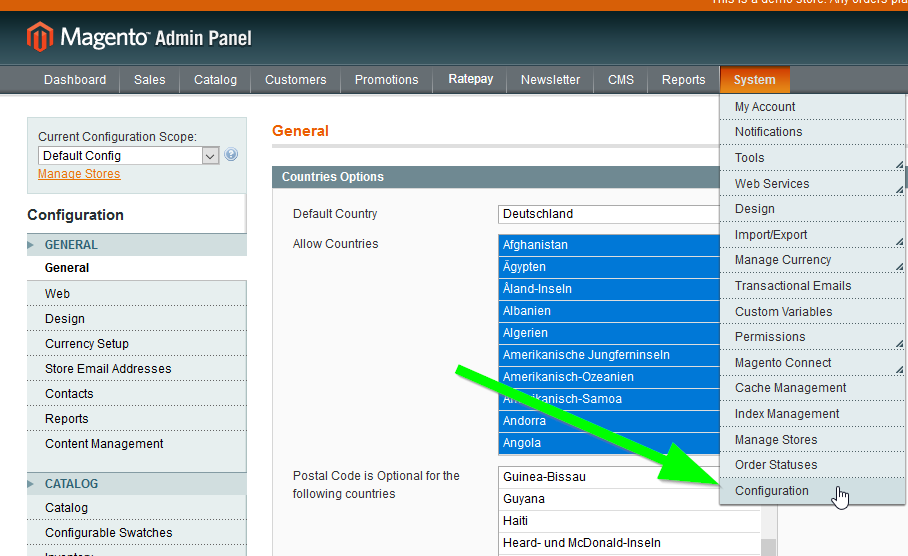
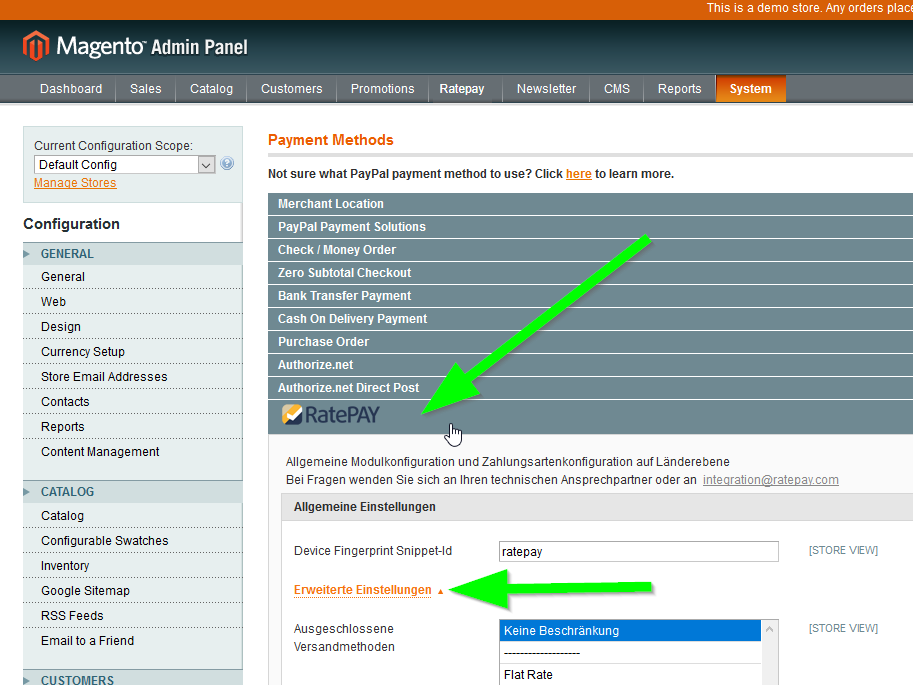
Click System -> Configuration.
In the Configuration Menu on the left side click on Payment Methods.
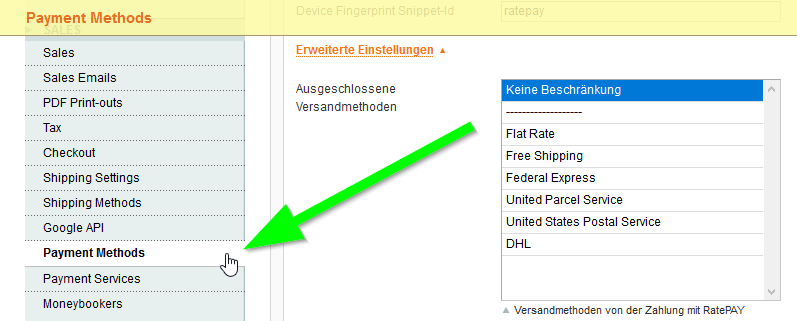
Open the Ratepay section and select the Erweiterte Einstellungen to display the settings which are described below.
| Basic Setting | DE | Description |
|---|---|---|
| Device Fingerprint Snippet-Id | Device Fingerprint Snippet-Id | The Device Fingerprint Snippet-Id is individual and you get it when registering for the services of Ratepay. |
| Advanced Settings | Erweiterte Einstellungen | |
| Shipping exclusion | Ausgeschlossene Versandmethoden | Unless an individual exception has been made in the contract, you have to exclude all express shipping methods, e.g. 24-hour delivery, DHL Express etc. |
| Extend deliver | Versenden erweitern | If activated, Ratepay will receive the shipping information when you enter the capture. YES is default. |
| Extend creditmemo | Gutschrift erweitern | If activated, Ratepay is informed about credit memos and returns whenever you mark items as returned or when you enter price adjustments. YES is default. |
| Extend cancel | Abbrechen erweitern | If activated, Ratepay is informed about the cancellation of items whenever you mark an order as CANCELLED. |
| Specific state before delivery | Bestellzustand / State vor Versand | By default, PROCESSING is selected. |
| Specific state after delivery | Bestellzustand / State nach Versand | By default, PROCESSING is selected. |
| Specific status before delivery | Zahlungsstatus / Status vor Versand | By default, the payment status before shipping is PAYMENT SUCCESS. |
| Specific status after delivery | Zahlungsstatus / Status nach Versand | By default, the payment status after shipping is PAYMENT COMPLETE. |
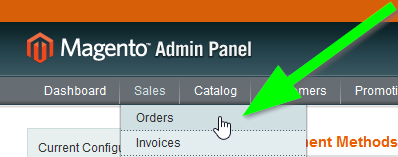
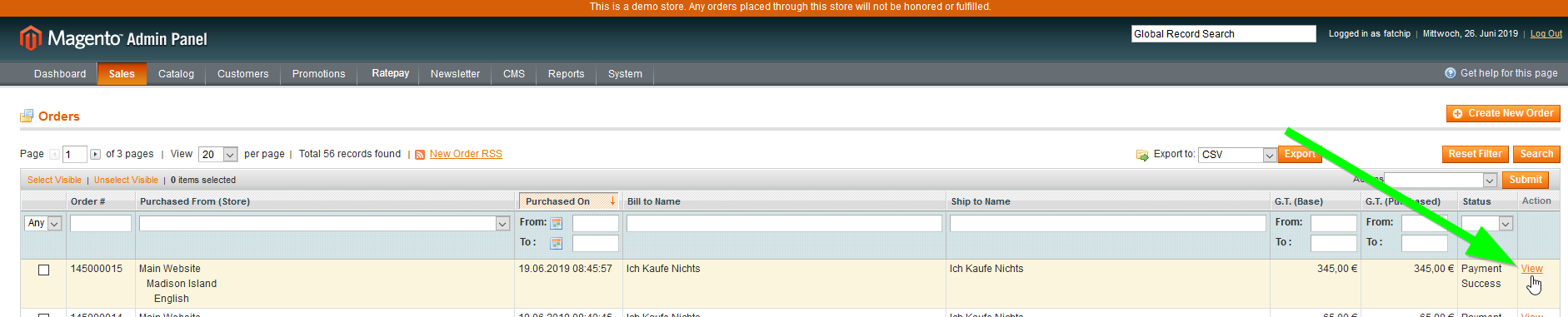
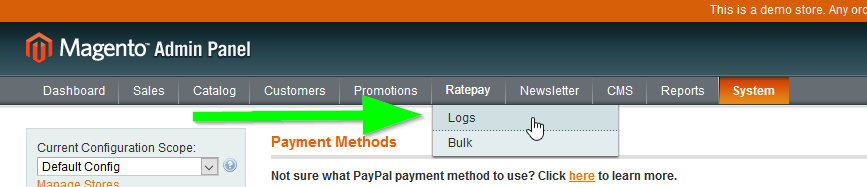
| Activate Logging | Aktiviere Logging | Select YES and you will find a log (see screenshot below) * either in the menu Ratepay -> Logs to see the logged information for all orders * or for one order you go to ** menu Sales -> Order , click on the View - link at the right end of each order-line ** in the left side menu Order View click on Ratepay Log |
| Confirmation deliver | Versandmeldung | NO is default / only in case of compatibility issues with connected ERP or OMS |
| Use default item for shipping | Nutze für den Versand eine Standardartikelposition | NO is default / only in case of compatibility issues with connected ERP or OMS |
Logging-Information of all orders:
Logging-Information of one order: