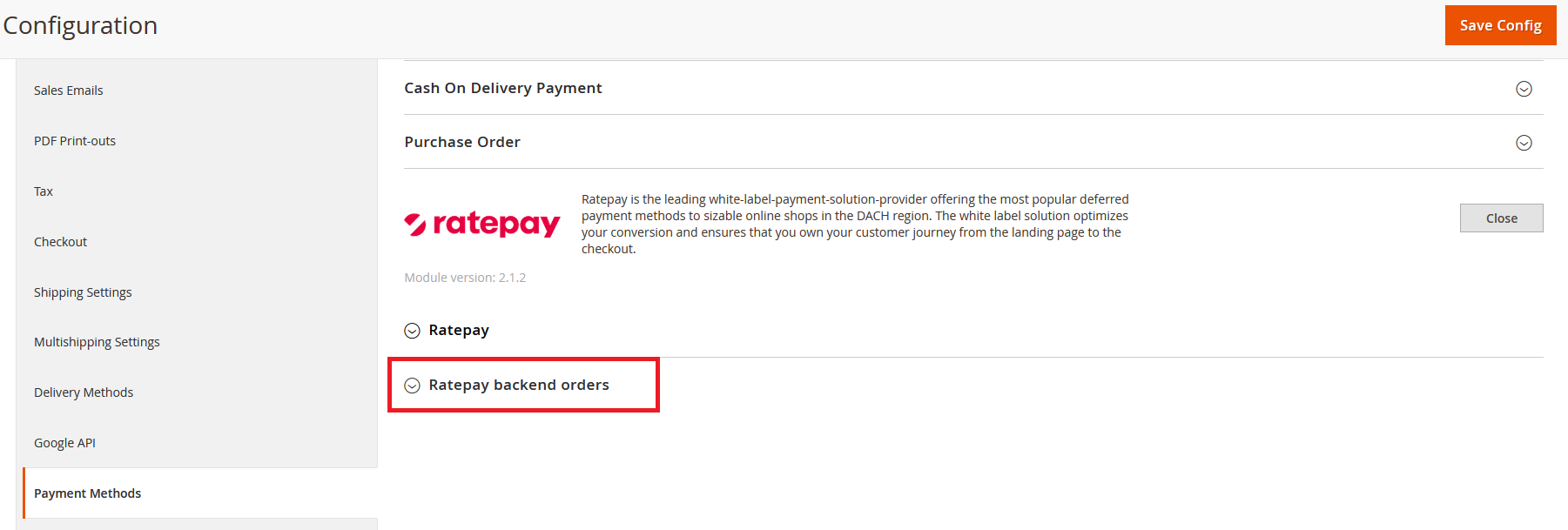
To use the feature of creating and managing backend orders, please make sure that the credentials in the Ratepay Backend orders fields are entered. You will receive separate credentials for backend orders from your Ratepay Consultant.
You can place backend orders with Ratepay payment methods in the order overview. To access, click on Sales -> Orders and "Create New Order" in the top right corner.

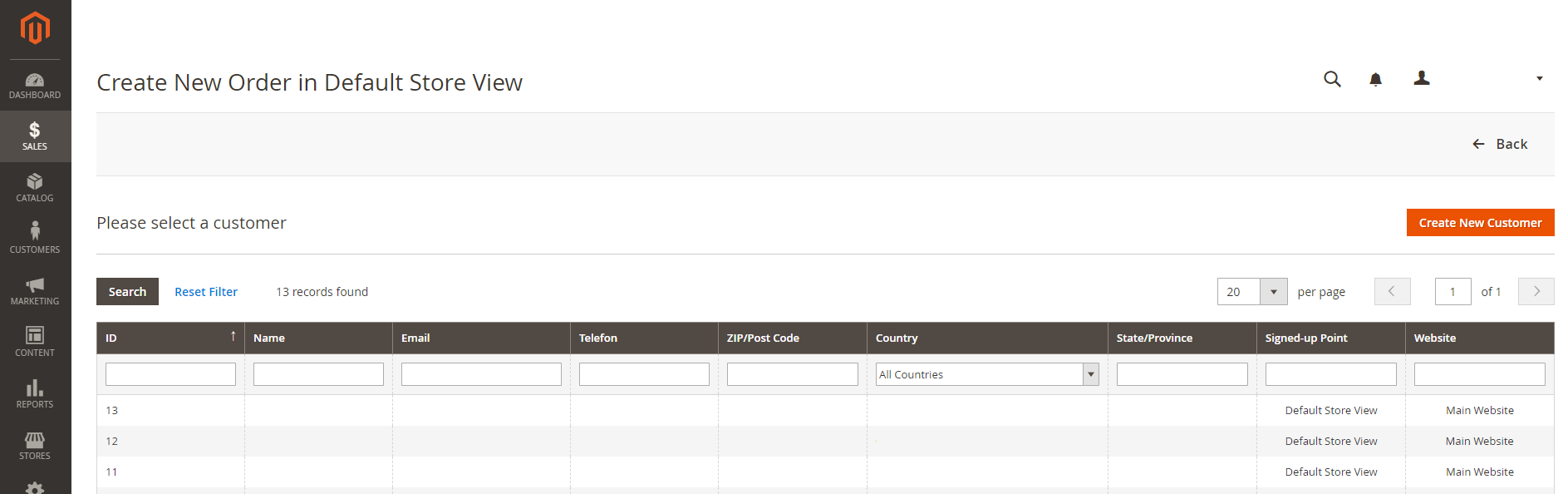
Select a customer, either by choosing a former one from the list or create a new one by clicking "Create New Customer".
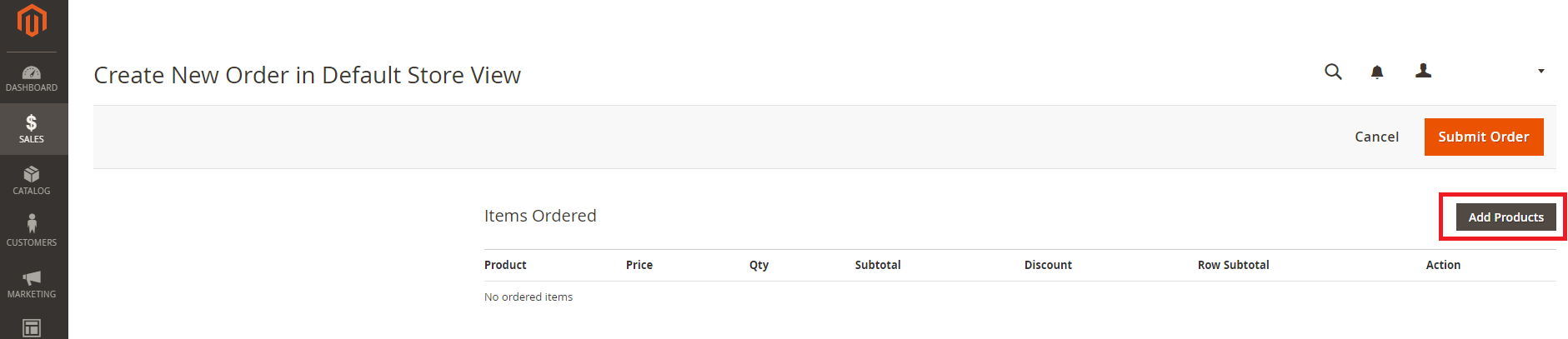
To add a product click on "Add Products" in the new created order overview.
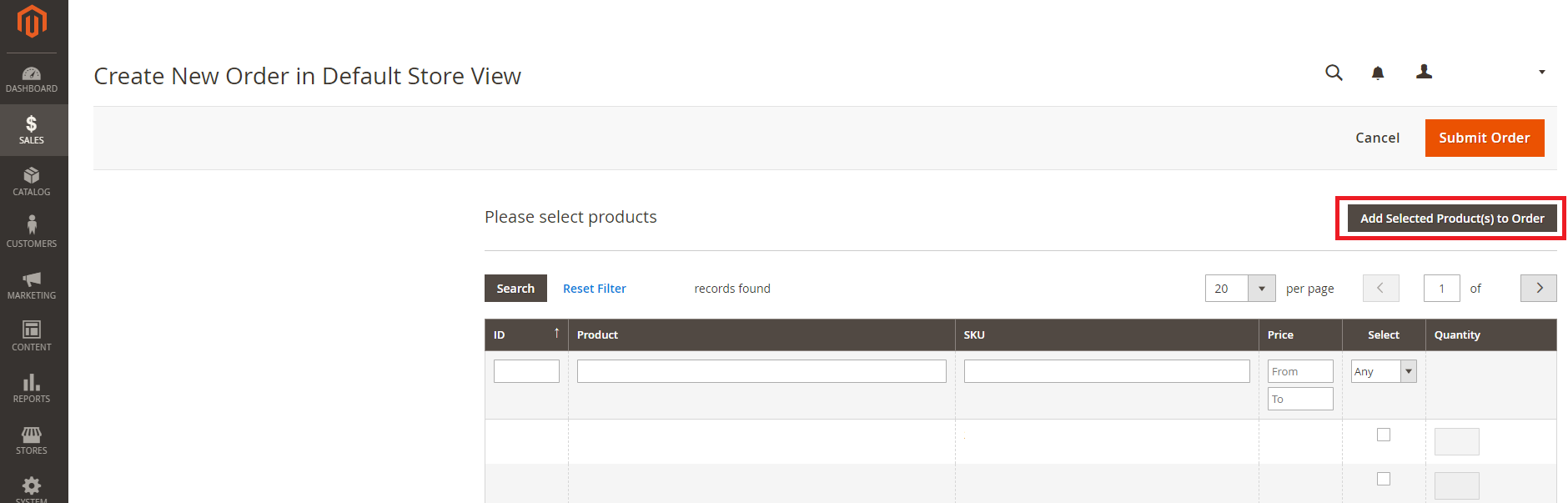
A list containing all products of your shop will appear. Select the product(s), define the quantity you like to add and confirm with a click on "Add Selected Product(s) to Order" to return to the order overview.
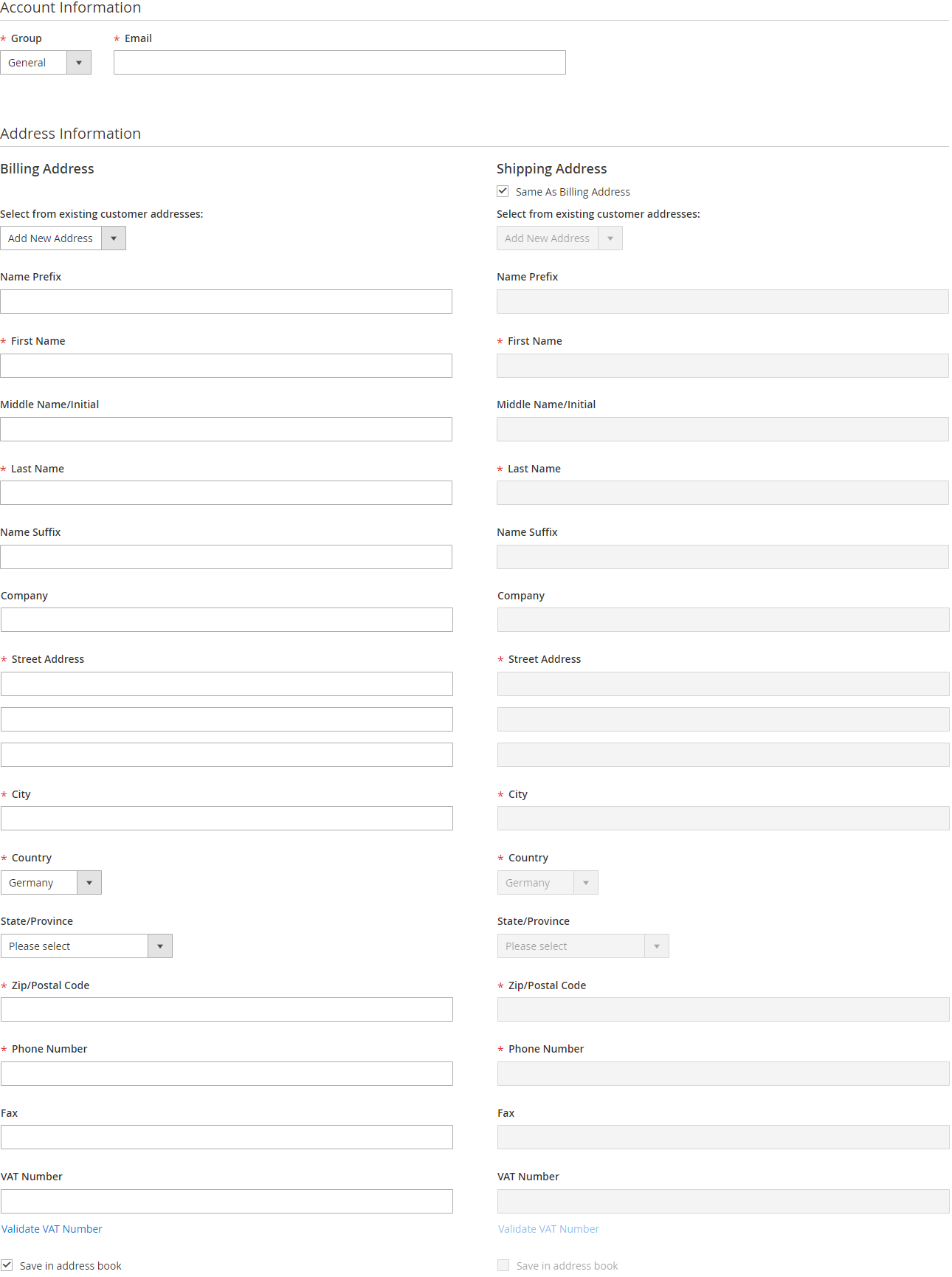
If you have chosen a former customer, most of the mandatory information fields are already filled in, but you can still edit them. If you have chosen to create a new customer, you have to fill in the fields by yourself. Mandatory fields are marked with a red star, address information can be saved in the address book for future orders.
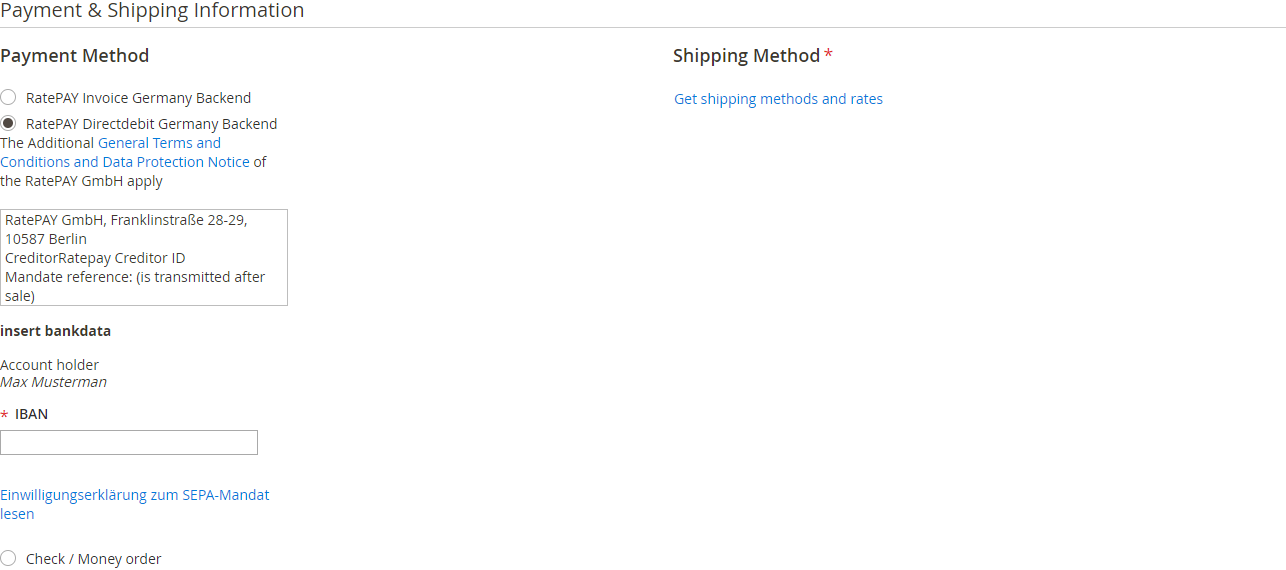
Choose the Ratepay payment method you like to use.

Depending on which payment method you choose, different additional data could be mandatory, e.g. the IBAN for Directdebit or your birthday.
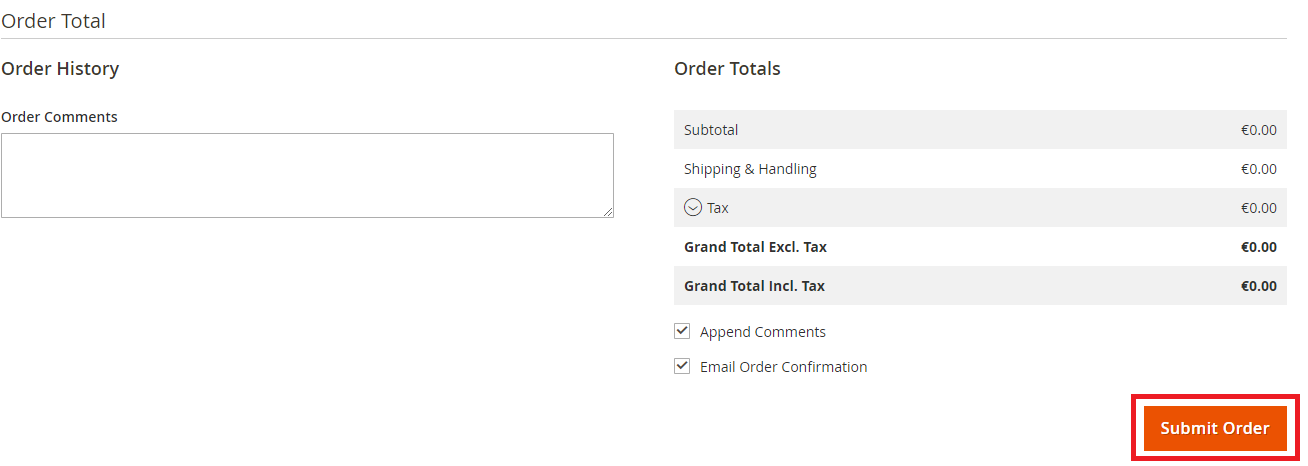
Once you are done with adding products and editing all necessary information, submit the order by clicking the "Submit Order" button, either at the top right corner of the page or at the end of the order overview. You can also see the order totals, add a comment and choose an email order confirmation for the customer.
You can manage your backend orders like every order placed on your webshop.