You can define the columns when searching for transactions. Click on the settings icon in the top-right corner:

Deselect fields to hide the corresponding columns. By default, all columns are selected.
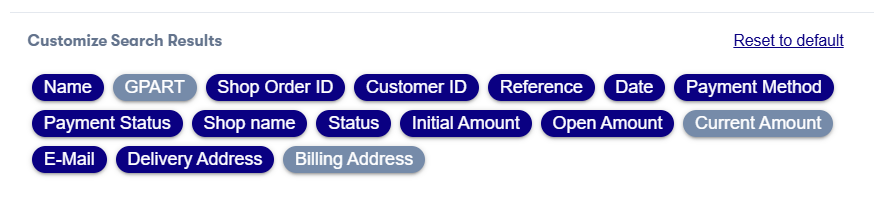
Your changes are saved automatically.
Now you can see the adjusted result columns, when you search for transactions. You can change your settings at any time or reset to the default settings.
